
Treat the envelope like infrastructure.
THOM BEE is designed for the four pressures data-centre teams care about most: thermal performance, programme, logistics and specialist requirements.
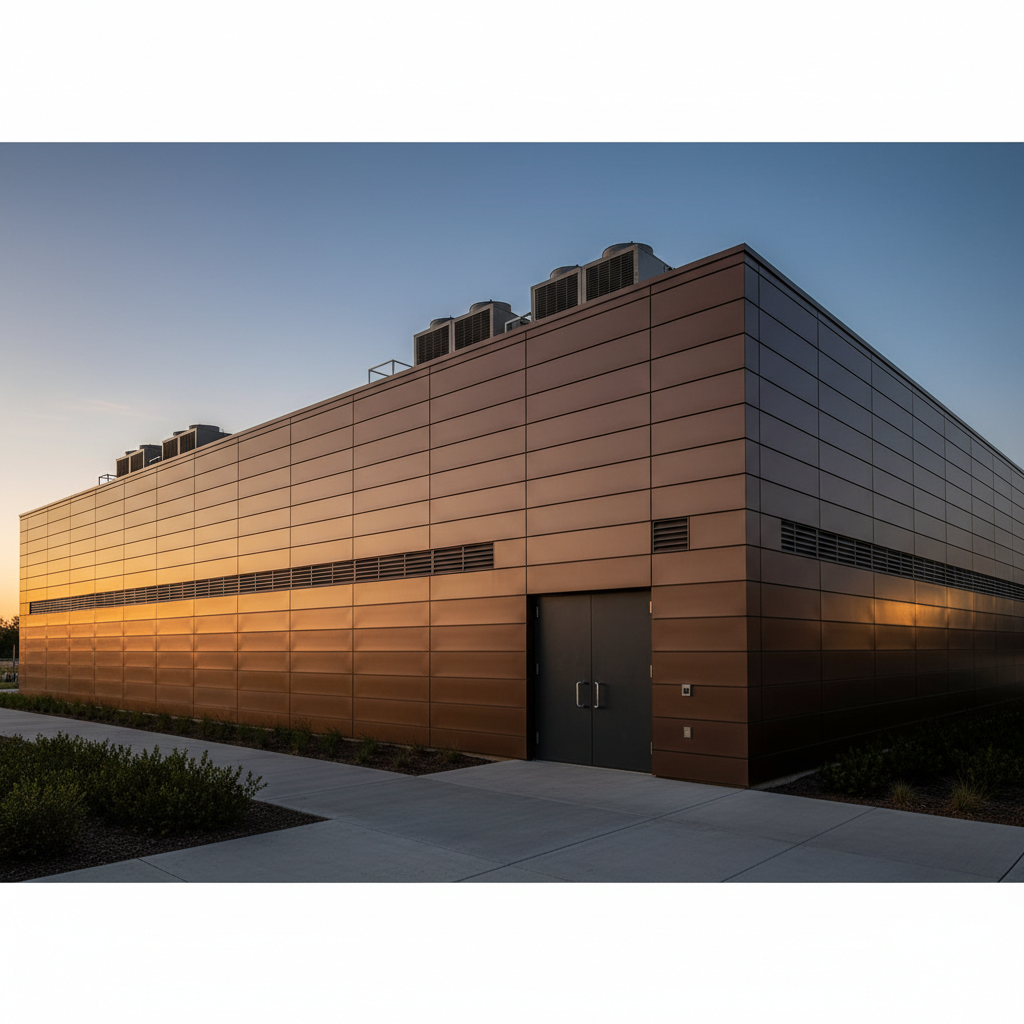
The envelope becomes part of the performance strategy.
Thermal, programme, logistics and specialist requirements are treated as connected project pressures rather than separate conversations.
Start with your biggest pressure
Pick the issue that matters most to your project.
Reduce the envelope load
THOM is designed around very high thermal performance so the wall contributes less unwanted heat transfer to the cooling problem.
Why THOM is different
One product platform instead of a stack of separate systems.
Thermal pathway
Basic and high-performance configurations allow the envelope target to be matched to the project brief.
Mechanical assembly
Designed to reduce wet-trade dependency and make installation more repeatable.
Flat-pack logistics
Designed to simplify transport, storage and handling across large projects.
Specialist capability
RF/EM, acoustic and fire requirements can be engineered into the project pathway rather than treated only as secondary add-ons.
Thermal, RF/EM, acoustic and fire statements describe current design targets or intended capabilities unless expressly identified as validated. Final system performance remains subject to the relevant accredited testing, certification and project configuration.
Open the evidence register →Test THOM against your data-centre brief.
Compare the current wall-system basis first, then configure the project.